Feeding copies
|
|
|
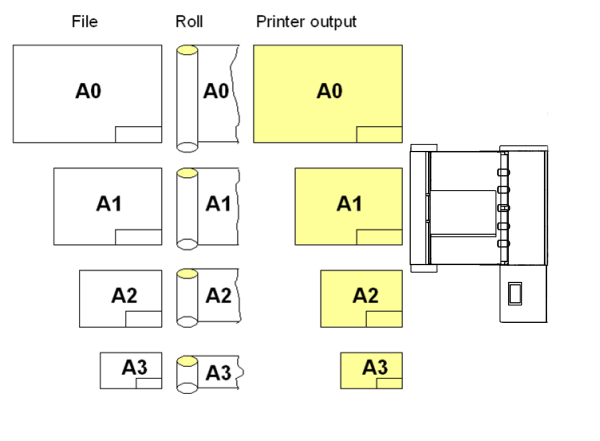
|
|
Manual folding |
|
|
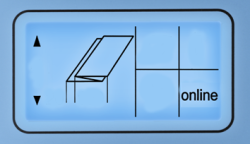
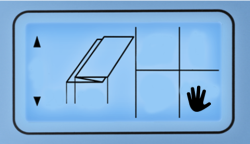
Switch icon to manual mode by pressing button Depending on the connected printer, it could be necessary to deactivate the online connection from the printers display. |
|
|
|
|
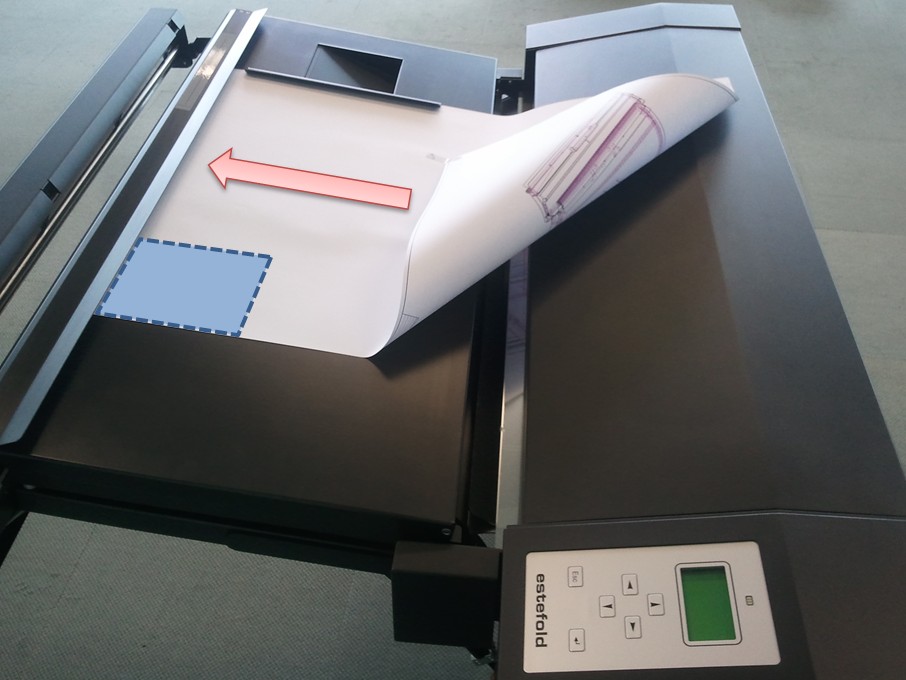
Insert the sheet "face down" (title block must be in front), aligning concentrically. The insertion rail on the table can be slid into an optimized position for the document you are feeding. Please try to feed the paper in as straight as possible. |
Manual cross folding |
|
|
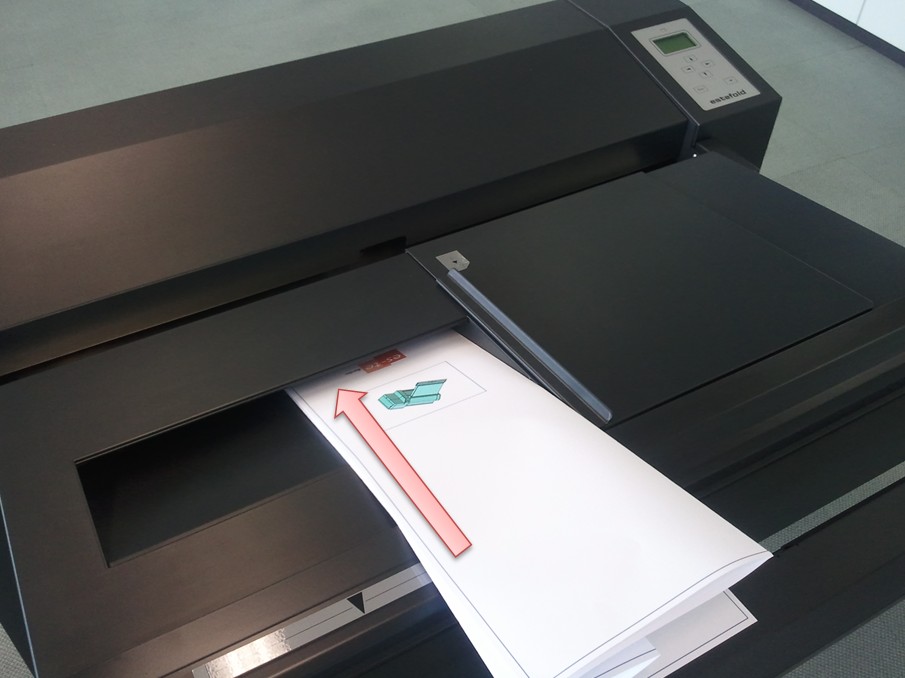
Move the insertion rail to its right position to open the cross fold window. Insert the fan folded paket inside the cross fold window and align it to the right side. The title block must be face up and in front again. Push it slightly and as straight as possible. |
 In any case the title block (legend) has to be on the leading edge of the document entering the folder (on the right hand side of the leading edge). The title block position has to be set in the plot software you are using.
 twice.