Free Style programs A B C D
|
The newest innovation of ES-TE opens the potential of the folder to nearly all possible folding styles, since you can define every layer completely free. This program will not calculate the folding, that means: you define a program for a given paper size, so this program will not work for another format. |
|
|
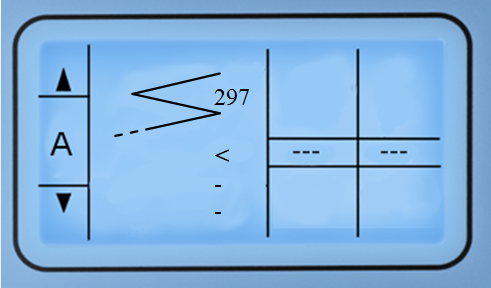
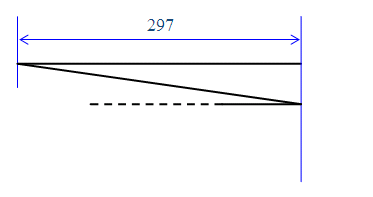
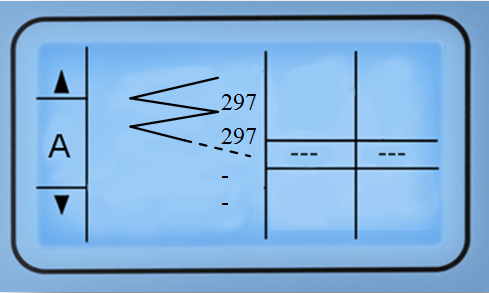
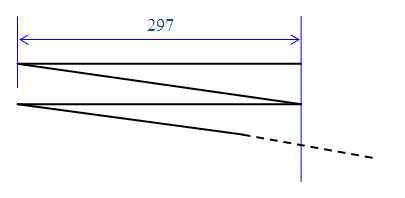
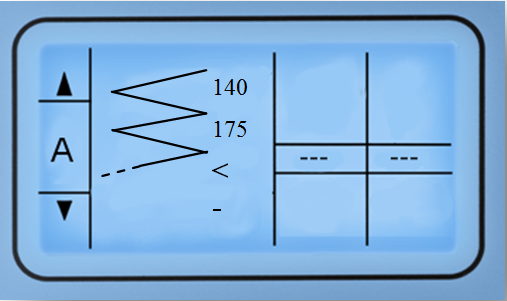
Explanation of signs and numbers in the display:
|
|
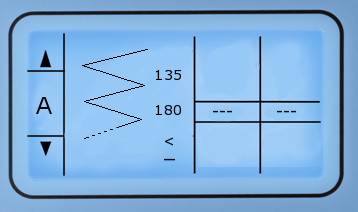 |
In Order to change values press  - the cursor will start to blink.
Buttons - the cursor will start to blink.
Buttons  and and  move the cursor from icon to icon.
Selected icons blink frequently.
Pressing buttons move the cursor from icon to icon.
Selected icons blink frequently.
Pressing buttons  and and  edit the blinking settings. edit the blinking settings. |
Example |
|
|
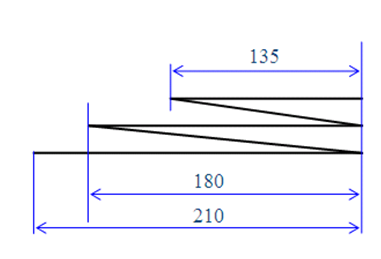
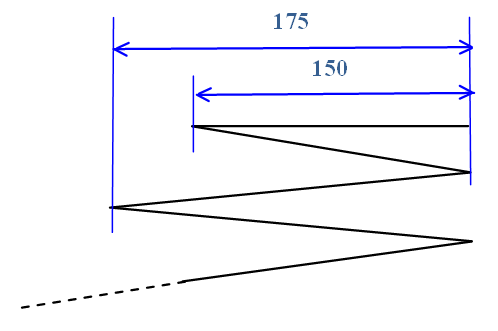
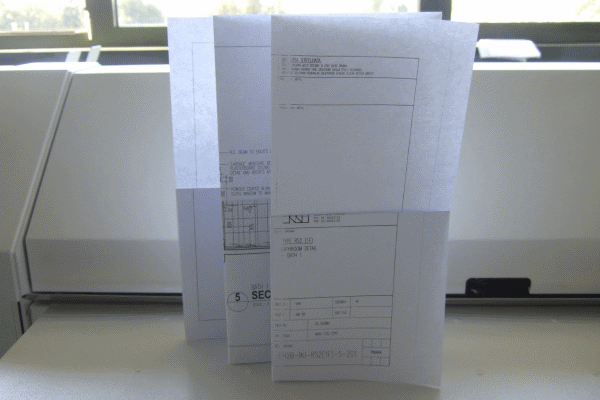
Program A should process packages of 135 mm and 180mm wide – the rest of paper will determine a filing margin of 30 mm (for A1 sized paper).
|
|
|
 |
Some more examples |
|
 |
 |
 |
 |
 |
 |
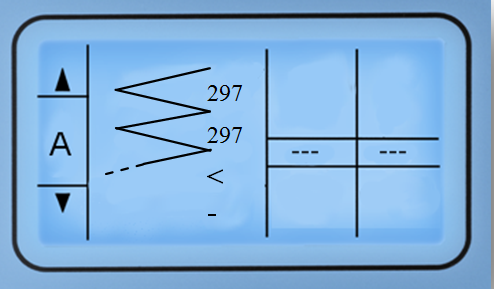 |
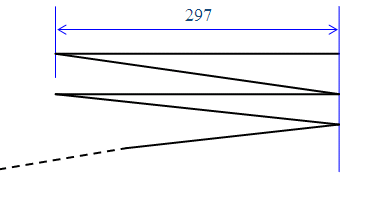 |
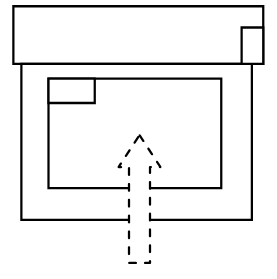
First step |
||
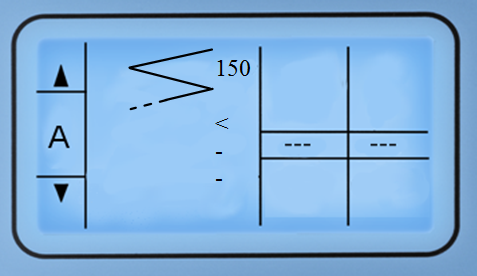 |
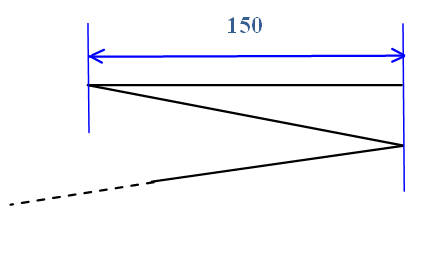 |
 |
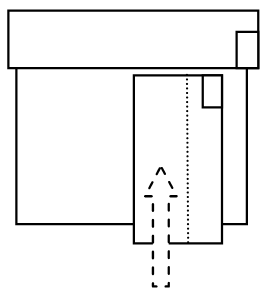
Second step |
||
 |
 |
 |
The folding result |
||
|
||