Customize program
| Watch the video |

|
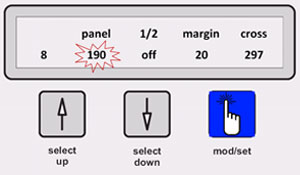 |
Press the mod/set button - the panel size will start to blink 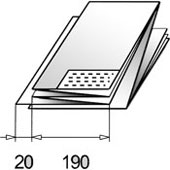
|
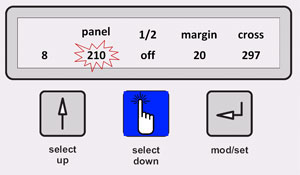 |
The value can be changed by pressing the up or down buttons. Press the mod/set button in order to change the value for the margin. |
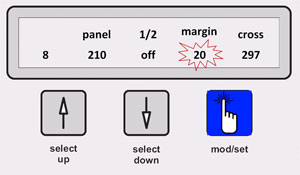 |
Set the value of the margin as desired and press the mod/set button again. |
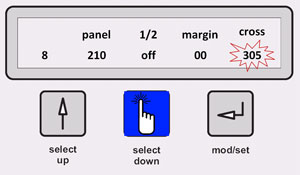 |
At the end, the cross fold size can be modified. To finalize, the mod/set button must be pressed again within three seconds, in order to store the new values. |
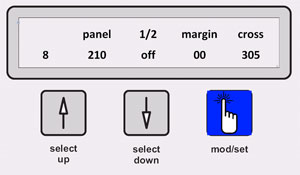 |
The new program has been created. The style has been changed to a package of 210mmx305mm without margin. 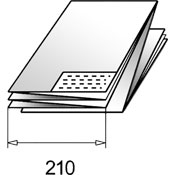
|
|
In case (mod/set) has not been pressed within 5 sec none of the settings will be stored and the previous settings will be used and displayed. |
|
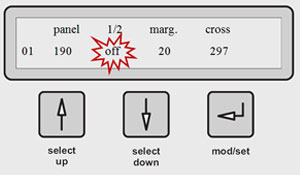 |
First panel off --> full panel on --> ½ panel 
|