Display information
| No. | Panel | 1/2 | Margin | Cross |
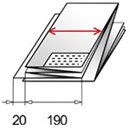
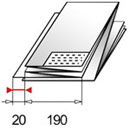
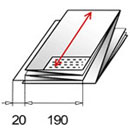
| 1 | 190 u | off | 20 | 297 |
 |
 |
 |
 |
|
| An "u" behind the panel size defines a folding style without intermediate fold in program 5+6 if this function is activated in the "Diagnostics" | If 1/2 is "on" - the first panel will be the half of the full panel. Note: This feature is limited to a panel size of at least 210mm. | Margin set from 0 - 50mm | Cross fold from 140 - 420mm |
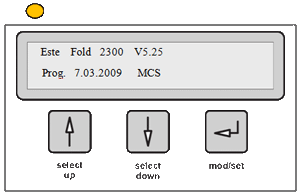 |
As soon as the folder is switched on the current version and implementation date of the used firmware are displayed. The power LED shines orange indicating that the folder is running a test routine. |
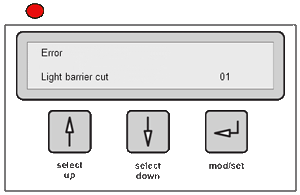 |
In case any error is detected during this routine the status LED will turn red. An Error Message will be displayed in the display. |
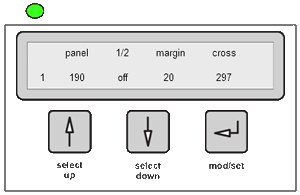 |
In case no error is detected during the routine the status LED will turn green and the currently selected folding program will be displayed. |